
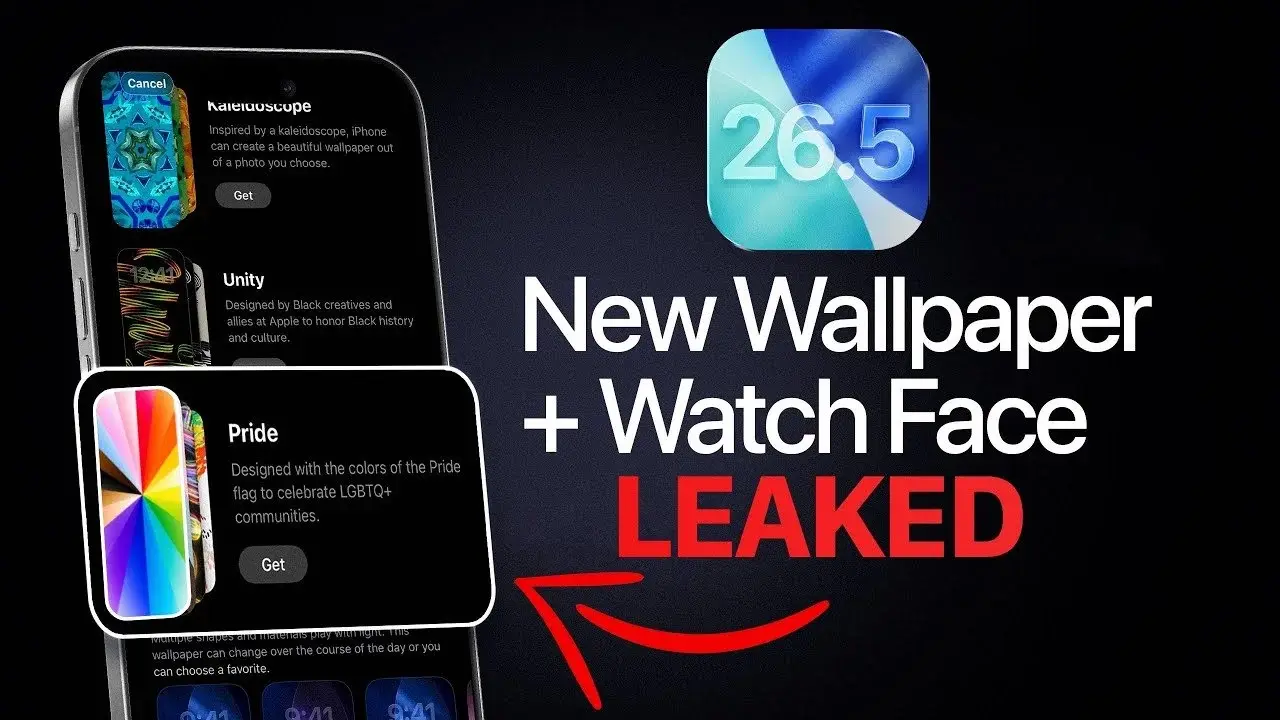
Understanding the iOS 26.5 Update: Why It Matters for Tech Learners
Apple’s upcoming iOS 26.5 release isn’t just another routine patch; it represents a pivotal moment for mobile app creators, engineers, and those aspiring to build a tech career around Apple’s ecosystem. With the third developer beta now available and a public launch slated for mid-May, this update brings a blend of performance boosts, battery enhancements, and new customization tools. If you’re serious about learning or advancing in mobile development, it’s crucial to dissect what’s changed—and how these shifts can directly impact your workflow, codebase, and user experience.
Key Features of iOS 26.5: What’s New?
- Performance Upgrades: Apple has refined the Core Animation and UIKit frameworks, promising faster app launches and smoother interactions. Apps built on older code may need attention to keep pace with these improvements.
- Battery Optimization: The update targets smarter energy management, aiming to extend device battery life. Apps that are resource-intensive or rely on background processes will need to adapt.
- Enhanced Customization: iOS 26.5 introduces more granular settings for users, allowing them to personalize their device experience. Developers should anticipate changes in user behavior and preferences.
The Developer’s Perspective: Navigating the Changes
For those maintaining or building apps, iOS updates can mean more than just new features. They often require quick pivots in testing, debugging, and deployment strategies. iOS 26.5 is no exception. Early feedback from Apple’s developer forums highlights that the new animation and UI changes may expose inefficiencies in legacy code, particularly in custom view hierarchies and transitions. If your app relies on UIView.animate, CADisplayLink, or NSOperationQueue, it’s wise to revisit and refactor those components.
Battery improvements are another headline. Apple’s tweaks to how apps operate in the background could affect everything from push notifications to streaming. Apps that don’t optimize for energy-saving will risk negative user reviews and even reduced visibility in the App Store.
What This Means for Beginners
If you’re new to iOS development, this update is a golden opportunity to learn modern best practices. The focus on performance and battery life means you’ll need to understand efficient coding patterns, such as minimizing unnecessary redraws and properly managing background tasks. For those just starting out, it’s a reminder that the Apple ecosystem evolves rapidly—and success depends on staying current with each release.
New learners should also pay attention to Apple’s documentation and beta release notes, which offer insights into system-level changes. Learning how to interpret these resources and adapt your projects accordingly is a valuable skill for any tech career.
How to Prepare Your Apps and Skills
- Audit Your Code: Identify areas where your app uses custom animations, multiple threads, or heavy background activity. Refactor for efficiency.
- Test on Beta: Install the iOS 26.5 beta on a test device and check for unexpected behavior, crashes, or UI glitches.
- Stay Informed: Follow Apple’s developer portal and forums for real-time feedback from other engineers. Participate in discussions to learn from community insights.
- Update Documentation: Revise your app’s user guides and support docs to reflect new features and changes in user experience.
How to Learn These Skills
To get ahead with iOS 26.5, immerse yourself in Apple’s official developer resources. Explore sample projects, read the update notes, and experiment with the new features in your own apps. Online courses and tutorials can help you master efficient code patterns and UI design. Don’t forget to join local or online developer groups; peer learning is invaluable when navigating new OS releases.
3 Practical Takeaways for Tech Learners
- Start preparing your apps now—waiting until the public release could mean scrambling to fix issues.
- Focus on battery and performance optimizations; these are essential skills for any iOS developer.
- Use the update as a learning opportunity to deepen your understanding of Apple’s frameworks and best practices.